Typography
Typography creates visual hierarchy, communicates information, and brings consistency across Spectrum experiences. This overview introduces Adobe Clean Spectrum and its features.
Typefaces
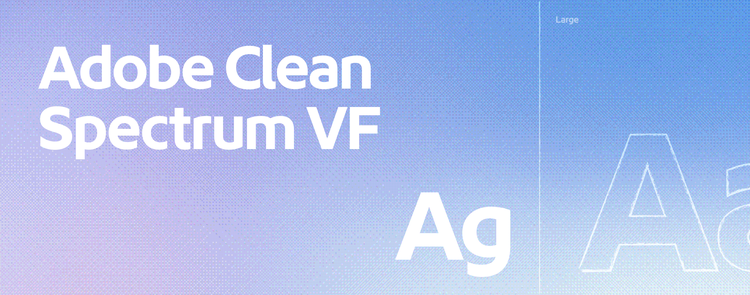
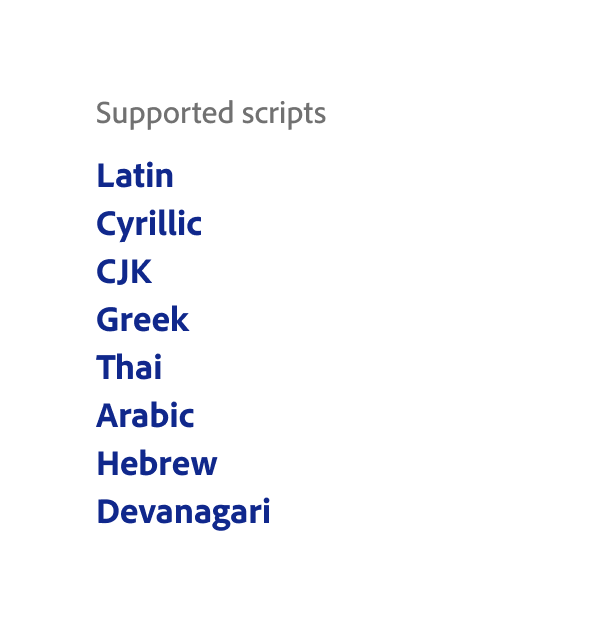
Adobe Clean Spectrum is the default font family for Spectrum. It’s based on Adobe Clean, Adobe’s corporate typeface. The Adobe Clean font family includes over 10 typefaces for specific use cases, such as longer reading experiences, displaying code, and supporting a wide range of languages and writing systems. View all Spectrum fonts on the Fonts page.
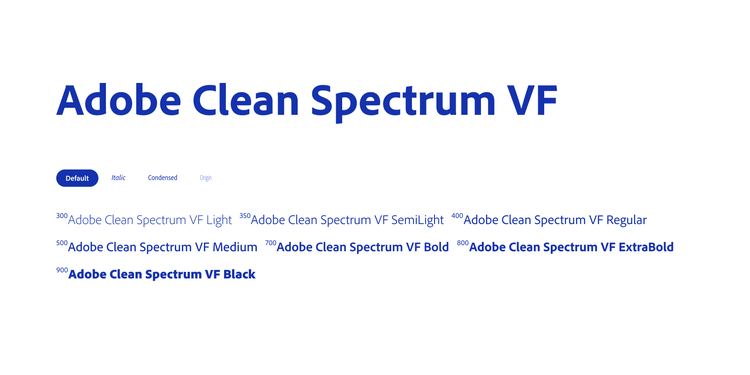
Adobe Clean Spectrum VF is the default typeface for Spectrum on web, iOS, Android, and other supported platforms. It’s a variable font, which means a single font file can support a range of weights and widths.
Typefaces
Adobe Clean Spectrum is the default font family for Spectrum. It’s based on Adobe Clean, Adobe’s corporate typeface. The Adobe Clean font family includes over 10 typefaces for specific use cases, such as longer reading experiences, displaying code, and supporting a wide range of languages and writing systems.
Adobe Clean Spectrum VF is the default typeface for Spectrum on web, iOS, Android, and other supported platforms. It’s a variable font, which means a single font file can support a range of weights and widths.
Adobe Clean features

About Adobe Clean Spectrum VF
Adobe Clean Spectrum VF provides two main benefits over the non-variable versions:
- Improves alignment with UI elements. Adobe Clean Spectrum VF uses updated baseline metrics, which are the measurements that determine how text is positioned. These updated metrics help text align more consistently with other interface elements, such as icons, components, and avatars.
- Supports future adjustments. Spectrum currently recommends using the default weights and widths. However, the variable font makes it easier to fine-tune typography in future updates. For example, a slightly thinner weight may improve readability in dark mode.
Learn more about Adobe Clean Spectrum VF in the Spectrum 2 typography guide.
About Adobe Clean Spectrum VF
Adobe Clean Spectrum VF provides two main benefits over the non-variable versions:
- Improves alignment with UI elements. Adobe Clean Spectrum VF uses updated baseline metrics, which are the measurements that determine how text is positioned. These updated metrics help text align more consistently with other interface elements, such as icons, components, and avatars.
- Supports future adjustments. Spectrum currently recommends using the default weights and widths. However, the variable font makes it easier to fine-tune typography in future updates. For example, a slightly thinner weight may improve readability in dark mode.
Jump to

Typography system

Applying the type system

Fonts